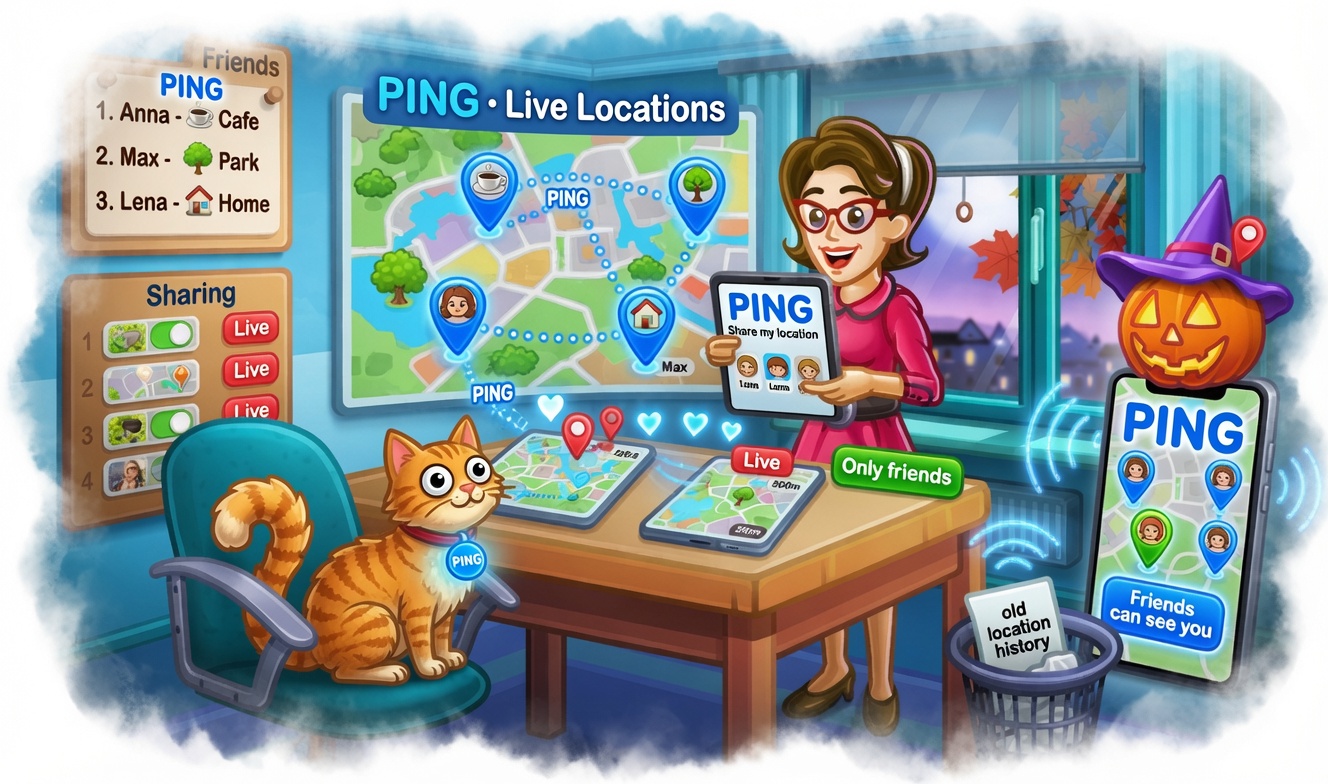
Location and Route Sharing in Ping: How to Share Your Location, Live Location, and Routes with Friends
Ping makes location more than just a technical feature—it becomes part of real conversation. In the app, you can send your location, turn on live location, and even record a route to share later with friends in chat. That’s convenient when you need to quickly show where you are, how you’re moving, and what path you’re taking to the meeting point.
These features rely on the iPhone’s system location services. Ping gets coordinates through iOS’s built-in mechanisms, determines signal accuracy, shows the place on a map, and can automatically fill in the address or place name. If the user chooses to send a location, the app creates a clear location card. If live location is turned on, the data updates in real time while the app is active, and the other person sees the current position on the map.
How live location works
Live location in Ping is designed for situations where a single point on the map is no longer enough—for example, when you’re heading to a meetup, walking, riding a bike, or want loved ones to see your movement along the way. In this mode, the app updates your coordinates and displays them so the other person can clearly see where you are right now and how your position is changing.
At the same time, the user stays in control of the process. You can start sharing manually, check location status, see signal accuracy, and stop live location at any time. If the GPS signal is weak or location access hasn’t been granted, Ping shows a clear prompt telling you to check permissions and signal quality. That makes location sharing not only convenient, but transparent.
How route recording works
Another standout feature of Ping is route recording. The app collects a sequence of GPS points, plots a route on the map, and calculates important parameters: distance, duration, elevation gain, average speed, maximum speed, and other movement characteristics. As a result, the route becomes a clear story of a trip or walk, not just a set of coordinates.
The user can save a route like this and send it in chat. To the recipient, it looks like a convenient map of the route rather than a dry list of points. This format is especially useful for meetups, walks, trips around the city, bike rides, travel, and any situation where it matters to show not just the start and finish points, but the path between them.
Why share your location and route
Ping’s location and route features solve very practical problems. If you’re meeting friends, it’s enough to send your current location. If you’re already on the way, it’s more convenient to turn on live location. If you want to show exactly how to get somewhere or share your trip, route recording works best. All of this works within a single chat flow and doesn’t require extra steps.
For users, that means less explanation and more clarity. Instead of long messages like “I’m almost there” or “head this way,” you can send a clear map, live location, or a route. This works especially well on mobile, when someone needs to get oriented quickly right in the chat and open the route in Maps with one tap.
Why it’s convenient in everyday life
Ping makes location useful not just for occasional situations, but for everyday tasks too. Arranging a meetup, showing a place, guiding someone there, sending live location while you’re on the way, recording the route of a walk or trip, and sharing it with friends—all of this can be done in one app. Users choose what to send: a point on the map, real-time sharing, or a route.
At the same time, the logic of the features stays simple. The app has current location, live location, route, and quick access to maps. That makes Ping a convenient messenger for people who move around often, meet up in the city, travel, or simply want to share their location without extra complexity.
Control and privacy
Location sharing in Ping is enabled only at the user’s initiative. The app does not turn location into a constant background tracker: live location and route recording start when needed and can be stopped manually. Users see exactly what they’re sending and control when to share data and when to stop the live sharing.
This is especially important in situations where privacy matters. Ping shows signal accuracy, the time of the last update, and location status so users understand what’s happening with their data. As a result, location and routes become a convenient communication feature rather than something complicated and opaque.
Bottom line
Live location, route recording, and the ability to share both in Ping make the app convenient for everyday communication, meetups, and trips. It’s not just a map in chat, but a complete location-sharing flow: from a single point on the map to live location and a detailed route with movement analytics. For friends, family, teams, and any situation on the go, it’s a fast and clear way to stay connected.