Data Savings in Messengers: Why Text Messages Are the Choice of Professionals

When roaming or on a slow internet connection, every megabyte counts. We break down why text messages are the most reliable way to stay connected and how to effectively manage your data without sacrificing communication quality.

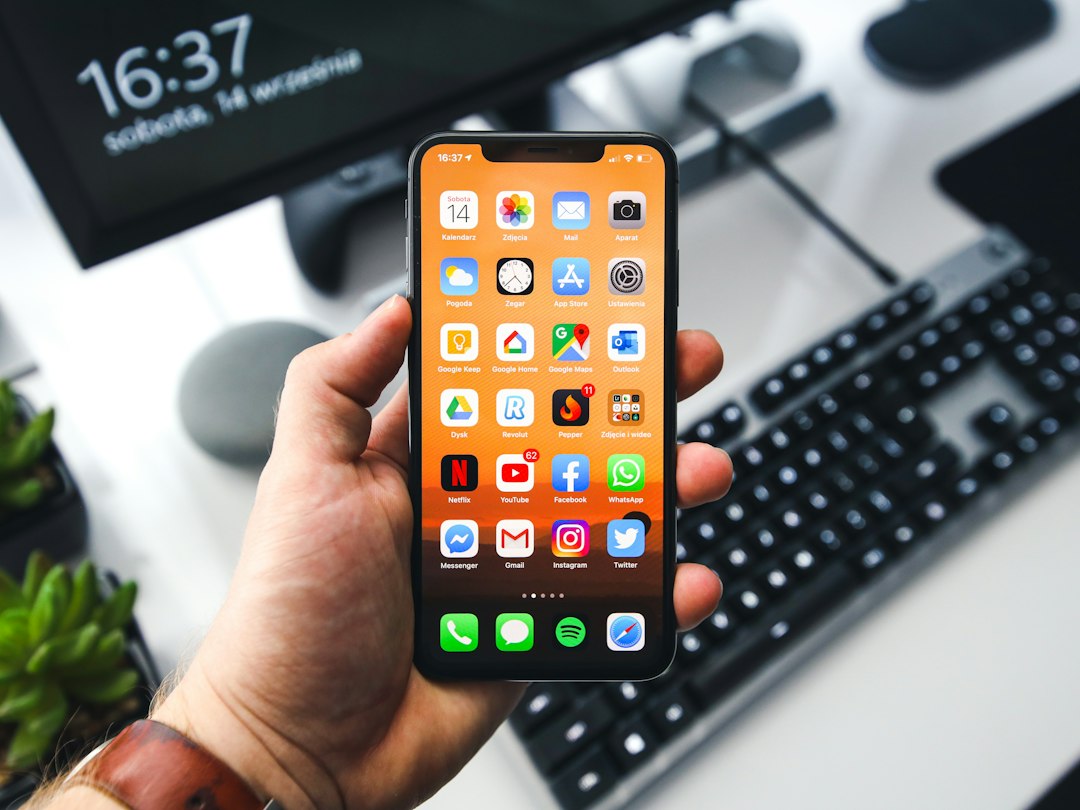
a close up of a person using a cell phone
Photo: Alicia Christin Gerald

Data Savings in Messengers: Why Text Messages Are the Choice of Professionals

When you are on the road, roaming, or in an area with unstable coverage, mobile internet becomes a precious resource. Each extra megabyte can be costly, and trying to send a "heavy" file often ends in an endless wait for the "sending" status. Understanding how your messenger uses data is key to staying connected when the network lets you down.

What Uses More Data: Numbers vs. Perceptions

Users are often mistaken in thinking that modern apps "barely consume" data. The difference between formats is huge. One text message weighs only a few kilobytes, whereas a one-minute voice message is already several megabytes. When sending photos without compression, an app can consume dozens of megabytes at once.

For comparison: within a limited data plan, you could send thousands of text messages using the same volume of data that would be used by a single one-minute video or a couple of unoptimized photos. When the internet is unstable, the phone spends extra resources trying to reload "heavy" data, which drains your limit faster and depletes the battery.

Why Texting Is More Reliable on Unstable Networks

The physics of mobile networks is simple: the smaller the volume of data that needs to be transmitted at once, the higher the success rate. With a weak connection, the signal is constantly interrupted. A text message is a minimal data package. It can "slip" through a narrow communication channel even where loading images or audio becomes impossible.

In roaming conditions or with a poor network, texting remains the only way to guarantee information delivery. This is not only a matter of savings but also a matter of reliability: you send a signal, and it reaches the recipient faster than heavy media files. Saving Data: How to Stay Connected with Limited Internet is a basic hygiene rule for digital communication today. At PING, we focus on a clear signal: the user should quickly understand what is happening in the conversation.

How to Avoid Being Disconnected Due to Excessive Data Usage: A Checklist

Optimizing data usage requires a thoughtful approach. To avoid being out of range at the most important moment, follow these simple rules:

  • Turn off automatic media downloads in your messenger settings—let photos and videos download only upon your request.
  • Prefer text while traveling: this saves data and ensures that the message gets through even with a weak signal.
  • Check background app activity: sometimes it is updates or cloud service synchronization that consume the main limit.
  • Use text messages for quick correspondence—it is the fastest and most reliable way to exchange information in any conditions.

Frequently asked questions

Why does sending text consume less data than voice messages?

Text requires thousands of times less data than audio or video. To send a single text message, only a minimal connection speed is needed, which is critical in roaming or with a weak network signal.

Will regular data savings in my phone settings help if I send a lot of photos?

Phone settings help, but app architecture is more important. If an app automatically tries to load heavy attachments, no "economy mode" will save you from quickly exhausting your data plan.

Why does text reach the recipient even where images don't load?

A text message is a tiny data package. It overcomes network congestion and unstable signals more easily, while media requires a consistently high bandwidth for successful loading.

Was this article useful?

Your feedback helps make PingBook more precise.

Share this article

Related articles

Следующие истории PingBook

All articles

When a voice message is a bad idea: communication etiquette in groups

Voice messages in large groups often become a source of irritation. We explain why text is more effective for group communication and how to follow digital etiquette so as not to create noise in chats.

person in gray sweater wearing black and silver chronograph watch
Photo: Nathan Dumlao

Group chats have become a primary space for coordinating affairs, from school matters to planning neighborly meetings. However, the comfort of a group depends directly on how we convey information. When a five-minute voice message is sent to a chat with thirty participants, every listener is forced to spend time being distracted from their tasks. This creates informational noise and hinders the ability to find important details in the flow of correspondence.

Why voice messages in a group can be annoying

The main problem with audio in chats is the asymmetry of convenience. It is easier for the sender to speak their thoughts than to type. But for dozens of recipients, listening to a recording is a forced action. Voice messages cannot be scanned with the eyes, text search does not work for them, and listening to them in public places without headphones is unethical. Ask yourself: are you placing your momentary convenience above the time of an entire community?

Text or voice: what to choose for a parent chat

In educational and parent chats, clarity of communication is important. The correct answer to the question of what to choose is almost always text. A text message can be read at any moment, it is easy to respond to, and it can be found later by keywords. When is it appropriate to record audio? Only in emergency situations when hands are busy, but even then, it is better to duplicate the essence in text. Respect for the schedules of other parents dictates a refusal of formats that cannot be studied quickly.

Diagnosing the situation: when it is better to send text

Before pressing the record button, ask yourself: "Can I express this briefly in text?", "Do others need to hear my voice?" and "Will others be able to find this information later?". If the answer is no, it is better to write in text. A voice message is considered bad form if the information is reference-based: addresses, dates, or links. Such data cannot be "extracted" from audio, which leads to clarifying questions and unnecessary noise.

How not to overload the chat and stay in touch

For effective communication in groups, it is important to adhere to the principle of conciseness. At PING, we emphasize clear signals: a user should quickly understand what is happening in the correspondence. Instead of audio that requires immersion, structure your thoughts. A short text message helps avoid overloading the chat and maintains a calm atmosphere. A clearly formulated request speeds up receiving answers and shows that you value the time of every participant.

Frequently asked questions

In what cases are voice messages still permissible?

Voice messages are only appropriate by personal agreement or in a critical situation when you have no physical ability to type and the information requires immediate transmission.

Why is text in a group chat more convenient than voice?

Text allows you to instantly scan the essence of a message with your eyes and supports searching through chat history. A voice message requires full concentration and listening from beginning to end.

How do you politely ask a contact not to send voice messages?

It is best to write in personal messages: "It is difficult for me to listen to audio recordings during the day, I would be grateful if the most important points could be duplicated in text."

PingBook

Следующие истории PingBook

How to distinguish a fake in a group chat: a guide for community members

How do you distinguish an official announcement from a provocation? We explain why you should not blindly trust chat messages, how to check the primary source, and why critical thinking is the main tool for safety in group correspondence.

How to distinguish a fake in a group chat: a guide for community members

You open your usual parent or neighborhood group chat and see a message styled "by the book": a strict font, an official agency stamp, and an urgent call to verify data or participate in a survey. Your heart starts beating faster, and your hand instinctively reaches to click the link. Stop. This is the exact moment to engage critical thinking. How do you distinguish a fake in a group chat from a real announcement?

Signs that you are looking at a provocation rather than an important announcement

The main tool of manipulation is fear. Signs of unreliable information in community chats are often similar: the text plays on emotions, demands immediate action, and threatens consequences. If a message is written aggressively or, conversely, is overly formal but contains grammatical errors, this is the first reason to be wary. How can you tell if a message in a chat is a manipulation? Most often, it is sent in the format of "forward to all group members." This is a classic way to spread fakes, where common sense is turned off for the sake of "saving" those around you.

Checklist: how to verify the authenticity of an official message

When you see a document, do not rush to believe the image. How do you check if an announcement sent to a group is official? First, find the primary source. If the announcement allegedly comes from a management company, school, or government agency, visit their official website. How do you recognize a fake official document in a messenger? Look for the official seal and signature—in fakes, they often look blurry or added via a graphic editor. Verify the information through trusted channels: call the number listed on the organization's official website, not the one in the message text itself.

Why it is dangerous to trust everything sent in private groups

We are used to considering private groups a "safe zone" because we know the members personally. But that is where the trap lies: why is it dangerous to blindly trust messages in private groups? Because of the risk of a known person's account being compromised. When a group member loses access to their profile, scammers use their trust to send links from their "name." How can you critically evaluate announcements in local communities? Always keep in mind: even if the message was sent by a neighbor, the information might have been forwarded by them without verification. Sometimes, everyone knows what a message status in a messenger means, but few consider that the "forwarded" status is a signal for double-checking.

How PING helps filter communication

Manipulations thrive where there is a lot of noise and little clarity. How do you recognize a fake mailing in a messenger? Stay calm and check the facts. At PING, we emphasize a clear signal: the user should quickly understand what is happening in the conversation. How do you avoid becoming a victim of provocation in a student chat? Use tools that allow you to focus on what is important without being distracted by emotional trash and questionable chain messages. Clean communication is the best defense against digital chaos.

Frequently asked questions

If a message is sent by an administrator or an acquaintance, does that mean it is official?

Administrator status or having a person in your contact list does not guarantee authenticity. Accounts are often compromised to send messages on behalf of trusted individuals. Always verify information through independent channels.

Where is the best place to double-check information from a suspicious announcement?

Use official organization websites, hotlines, or portals. Do not trust links and documents sent directly in a chat—they are easy to forge.

Why do messages calling for urgent action in groups usually raise suspicions?

Such messages are designed to trigger strong emotions, such as fear or urgency. A manipulator's goal is to make you act impulsively without taking time to verify the facts.

PingBook

Следующие истории PingBook

Messenger Communication Culture: How to Become a Clear Communicator

We explore why writing skills are key to career growth, how to formulate thoughts without unnecessary noise, and why clarity in chats makes communication productive and calm.

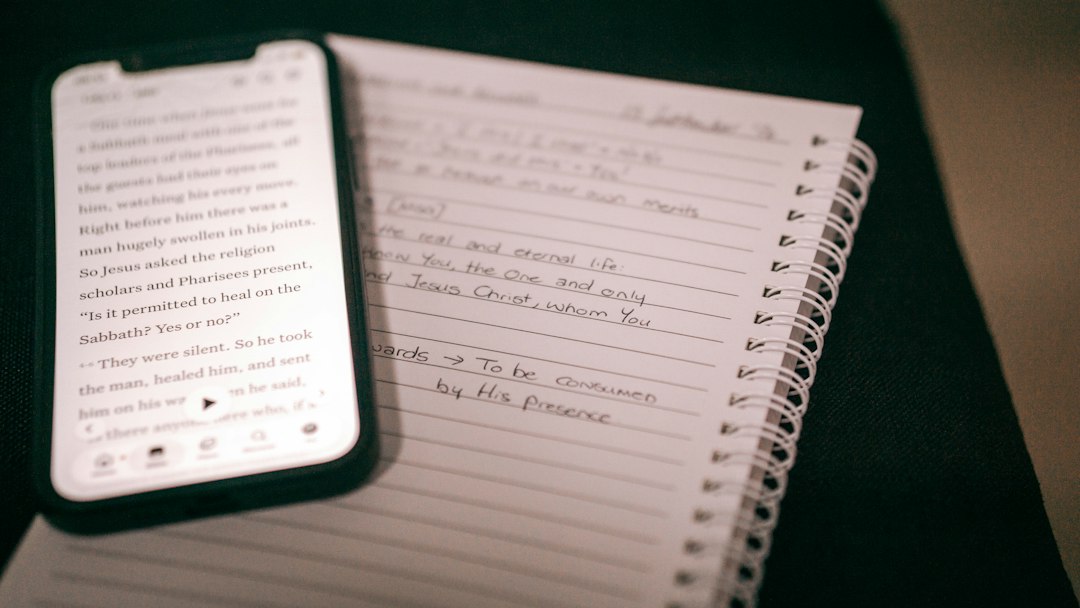
A smartphone displaying religious text beside a spiral notebook with handwritten notes
Photo: Charise Pieterse
Messenger Communication Culture: How to Become a Clear Communicator

In a world where work and personal matters are resolved on the fly, messenger communication culture is no longer just a set of formalities. Today, it is your primary social capital. The ability to write concisely and to the point is a skill that directly influences how quickly you receive an answer, how effectively a dialogue is built, and how you are perceived by colleagues and friends.

Why Your Messenger Communication Style Is a Career Asset

For young professionals, digital correspondence is the main way to make an impression. If you can express your thoughts clearly, you will be entrusted with complex tasks. Conversely, long, convoluted messages force the recipient to put your request off for later, creating unnecessary tension. Digital communication skills for young professionals help save time: when your text is clear upon the first reading, you reduce the number of clarifying questions. This means that communication culture influences your online career, shaping an image of a reliable and organized person.

Chat Diagnostics: How to Know You Are Not Being Understood

Try reading your last message through the eyes of the recipient. If it contains too many filler words, lacks a specific request, or requires decoding the context, it means "digital noise" has entered your communication. The foundations of digital etiquette for productive communication dictate: respect others' attention. How do you become a clear communicator in a messenger? Eliminate ambiguity. If you just write "Hi," the recipient does not know what the issue is. Your task is to write messages so that they are understood the first time, saving the recipient's attention resource.

The Clear Message Formula: A Checklist for Quick Correspondence

To learn how to express your thoughts clearly in chats, use a simple formula. Before sending, check your message against three points: 1. Goal (why am I writing this?). 2. Context (what is important to know to provide an answer?). 3. Action (what exactly should the recipient do?). These are the basic rules of effective correspondence for students and pros. When you provide clear inputs, you formulate thoughts in correspondence in a way that allows you to get answers faster, without waiting for long, clarifying dialogues.

When Technology Helps Communication Rather Than Hindering It

Often, the problem lies not only in the words but also in how the tools are designed. We are accustomed to a constant stream of notifications that overwhelm us. At PING, we focus on a clear signal: the user should quickly understand what is happening in the correspondence. A tool should help maintain focus on the essence rather than scattering attention. Calm correspondence is the result of a conscious choice of tools that support clear communication rather than creating unnecessary fuss.

Additional context on the topic can be found in the article Voice Messages: Etiquette Rules and When It Is Better to Choose Text.

Frequently asked questions

Why are correspondence skills considered social capital?

Social capital in messengers is your reputation. A person who values someone else's time, writes clearly, and does not require unnecessary clarification receives answers faster and earns more trust from colleagues and partners.

How can I learn to formulate thoughts in chats so they are understood the first time?

Use a three-step algorithm: clearly state the purpose of your message, provide the necessary context, and explicitly formulate the action you expect from the recipient.

Is it mandatory to answer instantly in a chat to be considered polite?

An instant response is not a sign of politeness. Quality and awareness are more important. Calmly waiting for a response, after you have provided the recipient with all the information, is a sign of mature digital etiquette.

PingBook

Следующие истории PingBook