How to turn a meeting into a business partnership: networking development strategy

Learn how to turn a chance meeting at a conference into a long-term business partnership by avoiding typical communication errors and building a structured system of interaction.

black smartphone
Photo: Lukenn Sabellano

Conferences, business breakfasts, and professional forums are excellent opportunities to expand your network. However, often after exchanging business cards or a few short phrases, communication fades, and a potential partnership remains only on paper. Why does this happen? The main mistake is the lack of a clear action plan after the first meeting.

Why communication after business meetings fades

Most often, the initiative disappears because people do not understand why they should continue the dialogue. If you simply exchanged contacts but did not define a common area of interest, the context of the meeting is forgotten after a couple of days. The main networking mistakes are related to excessive formality or, conversely, an extended pause before the first message. It is important to remember that any professional values their time, so waiting a week before reminding them of yourself often leads to you becoming just "another person on the list."

How to write the first message after meeting at an event

The first message is your chance to solidify the impression. Do not write a dry "It was nice to meet you." It is better to use a specific occasion or mention a topic you discussed in person. How do you write the first message after meeting at an event to get a response? Be brief: remind them where you crossed paths and offer specific value. For example, send a link to an article or research on the topic of your discussion. This will show that you were listening to the other person and are ready for a dialogue.

A step-by-step strategy for developing business relationships after networking

The transition from a chance encounter to cooperation is a systematic process. Your task is to demonstrate professional reliability. For those who want to delve deeper into this issue, our strategy for developing business relationships after networking is useful, where we break down in detail how not to lose a warm contact after meeting in business. Focus on small but regular steps: answering questions, exchanging expertise, or inviting them to a small-group meeting.

How to build a business contact and keep the connection

The secret to success is predictability. If you agreed on something at the meeting, fulfill it on time. Use messengers for quick confirmation of agreements, not for long, aimless exchanges. If you feel the dialogue becoming vague, suggest a call or a meeting to regain focus. It is important not to spam, but to maintain a flow of information that is truly important for both parties.

How PING helps maintain focus in business communication

In business, message overload often hinders productivity. When you are corresponding with a potential partner, it is important that your words do not get lost in the noise. At PING, we emphasize a clear signal: the user should quickly understand what is happening in the conversation. This saves time, preserves the context of agreements, and allows for responding to questions without unnecessary delays, making communication truly effective.

Frequently asked questions

What should I do if a month has passed since we met and the person has forgotten me?

The key to success is honesty and context. Write: 'Good day! We met at the [Name] conference a month ago and discussed [Topic]. I was interested in your opinion, so I decided to return to this issue.' This will help the person remember you and appreciate your attentiveness.

How can I make the first message after meeting someone unobtrusive?

Focus on value for the other person. Do not demand attention; instead, share an expert opinion, a useful link, or a solution to a task you mentioned during your first meeting.

Why should I transition a relationship into a business partnership gradually?

Business partnership requires trust. Gradual steps help to verify 'business compatibility,' build common rules of communication, and ensure that both parties' goals align before moving on to serious projects.

Was this article useful?

Your feedback helps make PingBook more precise.

Share this article

Related articles

Следующие истории PingBook

All articles

Saving Data: How to Stay Connected with Limited Internet

When roaming or dealing with a weak internet connection, staying accessible is key. We look at how to properly configure your messaging app, why text is more important than media, and how modern technology helps you stay connected without overpaying for data.

Silhouette of person looking out window at cityscape
Photo: J Harrison
Saving Data: How to Stay Connected with Limited Internet

When roaming or traveling, when mobile internet is unstable, every web page or media file download feels like a luxury. Many are familiar with the conflict between the desire to stay connected and a limited data plan. We often don't even notice how messaging apps silently consume gigabytes through background synchronization or automatic image downloads, leaving us unable to send even a simple text message when it matters most. However, modern technology allows you to communicate without loss if you configure your device correctly.

Why Modern Messaging Apps Use Little Data

The secret lies in the data encoding method. Plain text weighs almost nothing—these are bytes that easily pass through even a weak 2G or EDGE signal. The problem arises when an app tries to sync chat history, load contact avatars, or compress media files in the background. Modern messaging protocols use special binary formats when the internet is slow. They minimize packet structure so the phone doesn't waste energy and data on "extra" information. How modern technologies improve message delivery is the foundation for the stability of your communication on the go.

How to Stay Connected with Limited Mobile Internet

The main piece of advice is: do not trust automation. The first thing you should do when roaming is go into your messaging app's settings and disable automatic photo and video downloads. This is a critical step for saving data in a messenger during a slow connection. When you prevent an app from downloading everything, you give priority to what matters most—your words. If the internet is very weak, try sending short messages. This way, the sending system will use fewer resources to maintain the connection, and the likelihood of the message going through on the first attempt will increase significantly.

The Clear Signal Principle: How Technology Helps on the Road

When connection quality drops, it is important for the app to understand what to transmit first. Compression and prioritization algorithms decide what is more important: sending your text or loading a contact's sticker. At PING, we focus on a clear signal: the user should quickly understand what is happening in the conversation. Because PING prioritizes text messages in the sending queue, they break through interference even when other apps give up due to channel congestion.

Frequently asked questions

How do messengers compress data when sending?

Modern messengers use efficient binary protocols that transmit data in a compressed format, consuming significantly less traffic than standard web traffic.

What consumes the most data in a messenger?

The main consumption comes from multimedia: photos, videos, voice messages, and background media library synchronization. Disabling auto-download in the settings is the most effective way to save data.

Can I send a message if the internet barely works?

Yes, text messages require a minimal amount of data. If you don't overload the network by trying to send "heavy" files, text will successfully pass through even an unstable connection.

PingBook

Следующие истории PingBook

Digital Etiquette Rules: How to Use Reactions in Chats

We explain how to replace text clutter in large chats with quick reactions, why it is important for productivity, and how to organize communication so that important messages are not lost.

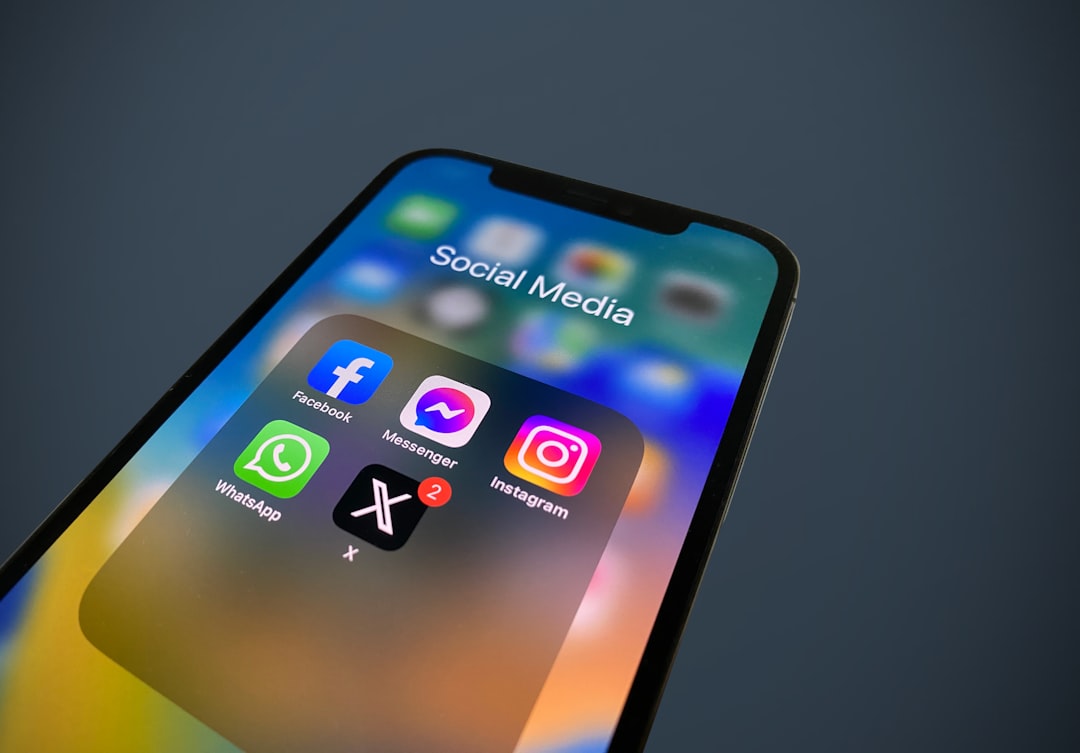
a close up of a cell phone with social media icons
Photo: Julian
Digital Etiquette Rules: How to Use Reactions in Chats

Imagine the scene: someone sends an important announcement in a chat with 50 people. A minute later, your phone is buzzing with notifications. Dozens of people are typing "ok," "got it," or sending thumbs-up icons. As a result, the substance is lost in a flood of text clutter, and participants are forced to scroll through hundreds of messages to find essential information.

Why Text Clutter Hinders Productivity

The main problem with a multitude of one-word responses is that it creates unnecessary noise. Each message is a notification that distracts dozens of people. When we write short responses, we unconsciously force others to waste time checking a chat where nothing new of substance has appeared.

Using reactions instead of words is not just about saving time; it is a sign of respect for others' focus and attention. The best way to fight chaos is not to create it at all.

How to Replace Text Responses with Quick Signals

How do you use reactions in a chat to make communication more effective? The rule is simple: if your goal is to confirm receipt of information or express an emotion, do not write text. Reactions instead of words are the perfect communication tool. A thumbs-up or a checkmark is a universal way to acknowledge reading without notifying the entire group with a sound alert.

If there is a vote in the chat, it is better to agree in advance: "Use the reaction with digit 1 if you are going, and 2 if you are not." This will allow the initiator to quickly count the clicks on a specific message.

Checklist: How to Make Your Chat Readable

To unload a group chat from unnecessary noise and make correspondence comfortable, try implementing a culture of "quiet" responses:

  • Agree with participants: "In this chat, we acknowledge reading only with a reaction."
  • Use reactions for quick assessment: there is no need to write "lol" when you can just use a suitable emoji.
  • Do not abuse abstract icons: choose ones that are clear to all participants.
  • If you need to ask a clarifying question, write the text separately so it does not get lost among a multitude of emojis.
Focus on What Matters

When you switch to this format of communication, it is important that the tool itself supports this culture. At PING, we focus on clear signaling: the user should quickly understand what is happening in the conversation. Because reactions do not create unnecessary noise, important messages remain in sight. This helps keep the chat history structured rather than turning it into an endless stream of one-word notifications.

Additional context on the topic is provided in the article How technology helps filter noise: summarizing long conversations.

Frequently asked questions

Why are reactions better than short text responses?

A reaction is a way to acknowledge receipt of information without creating notifications for all participants in the chat, which prevents chaos and excessive noise.

When is it appropriate to use reactions, and when should you reply with text?

A reaction is suitable for confirming that you have read a message, expressing agreement, or showing emotion. If you need to ask a question, clarify details, or start a discussion, it is better to reply with text.

How do reactions help you not lose important messages?

Using reactions instead of text messages allows you to keep the chat history clean: important announcements remain visible and are not pushed up by a stream of short 'ok' or 'got it' messages.

PingBook

Следующие истории PingBook

Scammers in Group Chats: How to Distinguish Official Notifications from Fakes

We analyze how to distinguish real notifications from phishing in group chats, why trusting administrators can be dangerous, and three questions that will help keep your data safe.

a desk with a laptop, notepad, pen, and cell phone
Photo: Hrushi Chavhan
Scammers in Group Chats: How to Distinguish Official Notifications from Fakes

Today, group chats are part of our lives: from our housing complex chats to school parent groups. We are accustomed to trusting messages that come from a 'chairman' or a 'teacher.' But this exact habit makes us vulnerable. Malicious actors understand that we lower our guard in such groups and use this to distribute phishing links.

Why We Trust Messages in Familiar Groups

The main tactic of scammers relies on the effect of familiarity. When we see the name of someone we know well, our brain automatically reduces the level of critical analysis. The question 'how to recognize fraud in a chat' becomes especially important when 'administration' suddenly asks you to urgently click a link to participate in a vote or verify data. Scammers in parent chats know how to avoid becoming a victim by using psychological pressure: they create an illusion of urgency so that you don't have time to think about security.

Checklist: Three Questions to Ask Before Clicking

Before clicking on any link in a group chat, pause and ask yourself these questions:

  • Who sent the message? If a link came from an administrator you have never spoken to personally, this is a reason to be cautious.
  • How logical is it? Is it necessary to go to a suspicious third-party site to vote for a housing complex matter, or can it be done through official resources, such as government portals?
  • How to check a link for safety before clicking? If you are in doubt, do not click. Try copying the link and checking it in trusted services for safety analysis, but the best option is simply to ignore it and ask the person during an in-person meeting or a call.
If an Administrator's Account Is Hacked: What Changes in Communication

Even if an account belongs to a real administrator, it may be compromised. If you see that an usually calm administrator is writing strange things or demanding data entry or passwords, their profile has likely been hacked. In such situations, it is important not to panic, but to immediately warn other group members. If you realize that spam distribution has started in the community, it is worth temporarily limiting activity until access to the account is restored. We previously discussed how to safely collect money in a parent chat, and this principle of transparency should apply to any links in chats.

A Clear Signal Is the Best Way to Avoid Deception

To protect your data, it is important to minimize chaos in communication. At PING, we emphasize a clear signal: the user should quickly understand what is happening in the conversation. An intuitive interface and protection against unwanted external interference allow you to focus on what is important, rather than filtering suspicious notifications. When communication is transparent, any attempts at deception by bad actors become more noticeable and are easier to stop at the root.

Frequently asked questions

What to do if a message comes from a real person from my contacts list?

Account hijacking is a real threat. If a message seems suspicious, do not reply to it in the chat. Call the person by phone number or write in another messenger to confirm that it was indeed them.

How to check a link for safety before clicking if I am in doubt?

The best way is not to click. If a link looks long, shortened, or leads to an unknown domain, simply ignore it. If you really need to check it, use services like VirusTotal, but the safest option is complete avoidance.

What are the main signs of chat fraud that I should remember?

Key signs: unjustified urgency ('do this right now'), demands to enter a password or card details, and links that lead to strange websites instead of official portals of your housing complex or school.

PingBook

Следующие истории PingBook