What the "Read" message status means with unstable connectivity
We explain why message statuses freeze in subways and areas with poor internet, what it actually means, and how to avoid worrying about delivery delays in unstable networks.

What the "Read" message status means with unstable connectivity
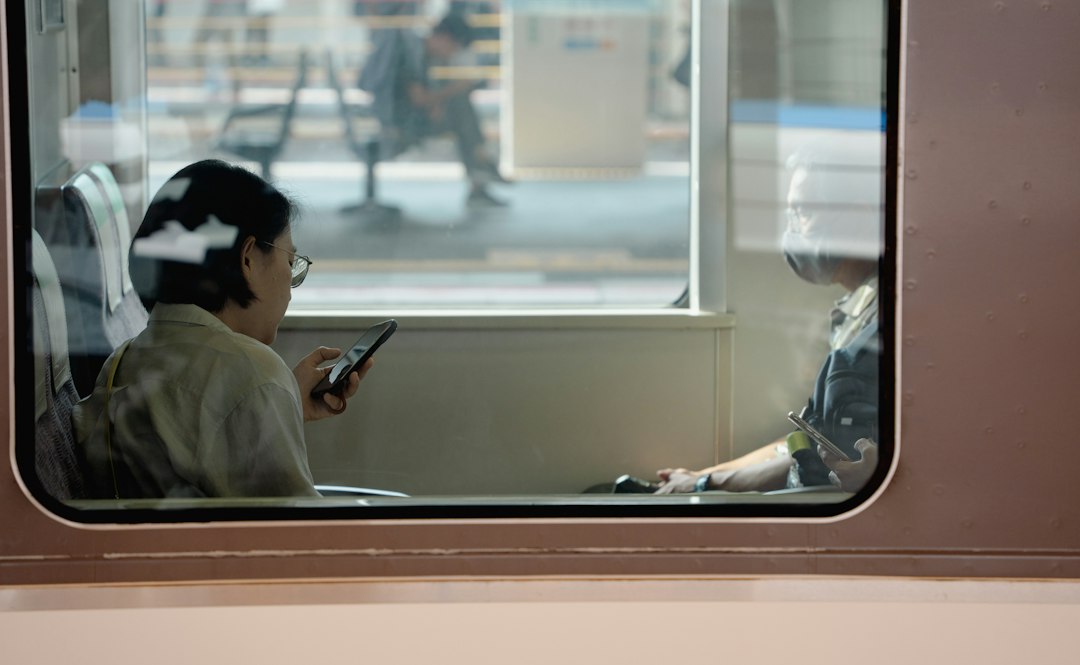
Everyone has encountered this situation: you send an important message while on the go, enter a subway or a basement, and the message status freezes. You stare at the screen and start worrying: did it arrive? Did the recipient read it, or was the connection lost forever? It is important to understand that status delays in such moments are primarily a technical aspect of network operations, not a sign that you are being ignored.
How message statuses work: From the "Send" button to the checkmark
To understand what the "Read" status means, you need to visualize the data journey. When you tap send, the messenger first transmits the data packet to the server, and then the server routes it to the recipient. Statuses are return signals: "Delivered" means the server has transmitted the message to the recipient's device, and "Read" means the recipient's app has confirmed the chat was opened. This entire process requires stable two-way data exchange.
Why the "Read" status doesn't change: When the network lets you down
In areas with weak reception, such as subways or basements, internet connectivity is intermittent. Why doesn't the "Read" status change in the subway? Because for the status to update, the recipient's smartphone needs to successfully "report" the read event to the server, and your smartphone must successfully receive that confirmation from the server. If the network drops, the chain is broken. The status may not update for hours or may appear with a significant delay as soon as the device catches any signal for synchronization.
What to do if the "Read" status isn't updating
If you see that the status isn't changing, don't panic. A delay in delivery status within an unstable network is a common occurrence. First, check if your message has an error icon. If the message is just "hanging" with a pending icon, you likely have a Message sending queue active, which will resolve automatically as soon as the signal is restored. There is no need to frantically delete and resend the text—that will only create duplicates.
How PING helps you stay connected without extra questions
Maintaining stable correspondence in complex conditions depends on how the app handles connection drops. It is important that the interface provides honest information about network status without misleading users with "frozen" checkmarks. At PING, we focus on clear statuses: the user should quickly understand what is happening with their message. A transparent architecture allows the app to correctly process moments when connectivity is lost, ensuring your messages reach the recipient immediately after the internet connection is restored without confusion in the statuses.
Read also
Frequently asked questions
Why is my message sent, but the "Read" status doesn't appear?
The "Read" status is a signal that the recipient's app sends to the server, which the server then forwards to you. The time difference between sending and delivery depends on how quickly the servers exchange information, which takes longer under poor connectivity.
Why doesn't the "Read" status update while I am in the subway?
The status requires a two-way connection: the recipient must confirm the read, and your phone must receive this report from the server. In the subway, connectivity drops break this chain, so information only updates after leaving the dead zone.
Did my message arrive if the network dropped while I was sending it?
Don't worry: your message is not lost. It enters the sending queue. As soon as your device detects a stable internet connection, the app will automatically complete the transmission, and the status will update according to the current delivery state.
Was this article useful?
Your feedback helps make PingBook more precise.