Why Notifications Are Not Coming to iPhone: Main Reasons
If notifications are not coming to iPhone, the cause is most often in settings, Focus mode, power saving, or the app’s background activity. We explain what to check first and how to fix the problem quickly.
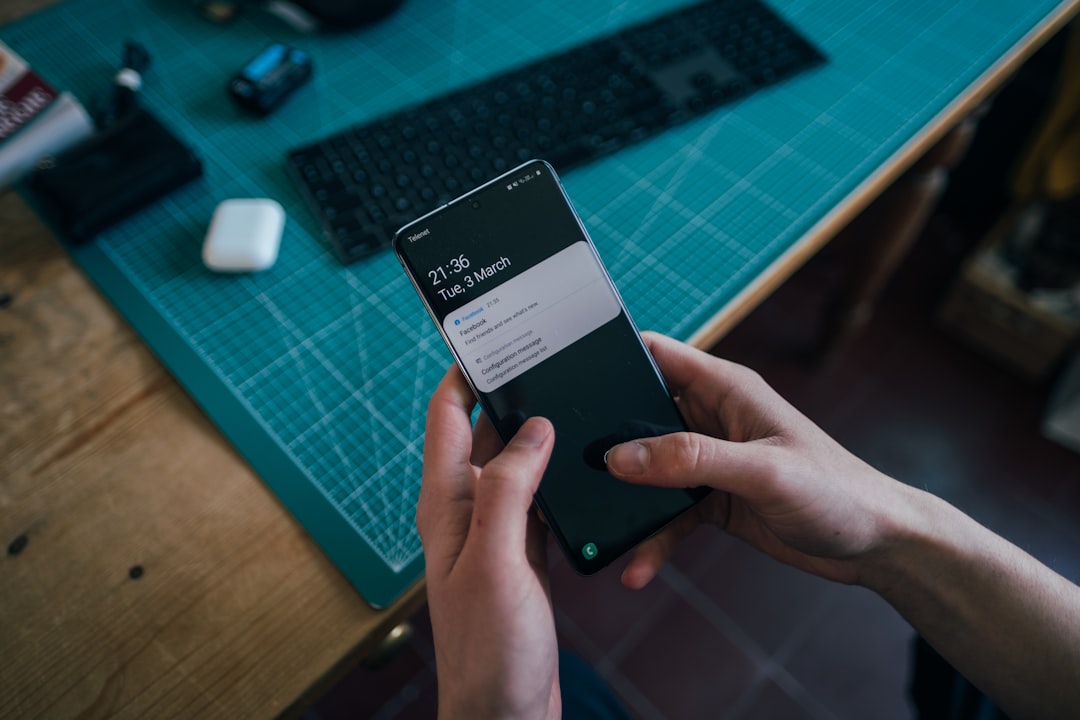
If why notifications are not coming to iPhone is your current question, start simple: the problem is not always in the app itself. Sometimes the message has already been delivered, but the phone does not show it right away because of settings, Focus mode, power saving, or background limits. The good news is that you can usually find the cause in a few minutes.
Below is a clear breakdown without unnecessary theory: what to check first, why notifications may not arrive even when the internet is on, where the delay comes from, and how to fix everything quickly.
What to check first if notifications are not coming to iPhone
When the question why a notification is not coming to iPhone comes up, it is important to first understand whether this is a delivery failure or just a display delay. Open the conversation, refresh the screen, and check whether the message arrived without a pop-up notification. If the text is already in the chat but no alert appeared, the issue is most often in the phone settings.
If the message does not appear at all, check the network and the app’s operation. Sometimes a notification is “lost” not at the sending stage, but because the phone cannot temporarily receive data in the background. So first separate the two situations: the message arrived, but without a signal, or it did not arrive at all.
Main reasons notifications do not come to an iPhone
The most common reasons are straightforward and usually easy to spot. First, notification permissions may be turned off. Second, Focus mode may be enabled and hiding some alerts. Third, the phone may be in silent mode while notifications are set to sound or banners only.
Another common reason is power saving. When it is active, the system may limit the app’s background activity, and why notifications are not coming to iPhone becomes a very natural question. Background content refresh restrictions can also interfere: if the app cannot regularly check for new events, notifications are delayed or do not appear right away.
Do not forget to check the app’s own settings. Sometimes banners, sounds, or badge icons are disabled there. Then the message arrives, but is almost invisible.
Why notifications do not arrive when the internet is on
The situation where the internet works but notifications do not arrive when the internet is on is common. This means the problem is not the network itself, but how the app works in the background. The phone can be online, yet still limit background activity, especially if power saving or a weak connection mode is enabled.
If you notice why push notifications are not coming to the phone even with a good connection, check whether the device is switching between Wi‑Fi and mobile data, whether data saver mode is on, and whether background refresh is restricted. Sometimes a simple network restart helps: turn airplane mode on and off, then check delivery again.
Notifications arrive only when I open the app: what it means
If notifications arrive only when I open the app, this is almost always a sign that background delivery is disabled or unstable. The app receives new data only when it launches, and the phone does not let it actively check for updates the rest of the time.
Most often the cause is background activity limits, power saving, or the fact that the system has not refreshed the app in the background for a long time. In this case, messages pile up and appear only after you open the app. That is frustrating because it creates the feeling that everything is working, but important items arrive too late.
Why a message arrives late on the phone
When you notice why a message arrives late on the phone, it is usually not a lost message, but a delay in push delivery. This can happen because of a weak network signal, Focus restrictions, power saving, or unstable app behavior after an update.
Push notification delays on a phone can also appear if the system is overloaded, storage is nearly full, or the app has not been updated for a long time. Sometimes a simple routine helps: close the app, restart the phone, disable saving modes, and check whether notifications start arriving faster.
How to fix it if notifications are not coming to iPhone
Here is a step-by-step sequence that usually helps the fastest:
- Open notification settings and make sure permissions are enabled.
- Check Focus modes and whether they are hiding messages.
- Make sure the app is not restricted in the background and can refresh.
- Turn off power saving and see whether it is affecting delivery.
- Restart the app and the phone itself.
- Check for system and app updates.
- See whether the message appears on the lock screen and in Notification Center.
If after that why notifications are not coming to iPhone is still a problem, delete and reinstall the app, then allow notifications again. This often resets minor errors that build up over time. It is also useful to check the device date and time: if synchronization fails, some services work worse.
How to make replies and notifications more noticeable in everyday communication
When important messages need to arrive without unnecessary delay, it is not only the phone settings that matter, but also the communication logic itself. The clearer the signal, the easier it is for a person to notice it in time and reply quickly. In Ping, we focus on a clear signal: the user should quickly understand what is happening in the conversation. This approach helps avoid losing important information among dozens of unnecessary alerts and supports a fast reply where it is truly needed.
If you often miss messages, it helps not only to set up the phone, but also to choose a service where notifications and the communication flow itself are organized clearly. This is especially important for work, family, or urgent matters: less noise, more clarity, fewer chances to miss something important.
What to do next
In short: first check notification settings, then Focus and power saving, then background restrictions and the network. In most cases, that is enough to understand why notifications are not coming to the phone and restore normal message delivery without extra steps.
Read also
Frequently asked questions
Why are notifications not coming to iPhone?
Most often it is due to notification settings, Focus mode, power saving, background app activity, or a temporary network issue.
Why do notifications arrive only when I open the app?
This usually means background refresh is disabled or restricted, so new messages appear only after the app is launched.
Why do notifications not come when the internet is on?
The internet may work, but background delivery can be limited by phone settings, power-saving mode, or the notification system itself.
Why does a message arrive late on the phone?
Delays are often related to a weak network, power saving, background restrictions, or a temporary app issue.
Was this article useful?
Your feedback helps make PingBook more precise.